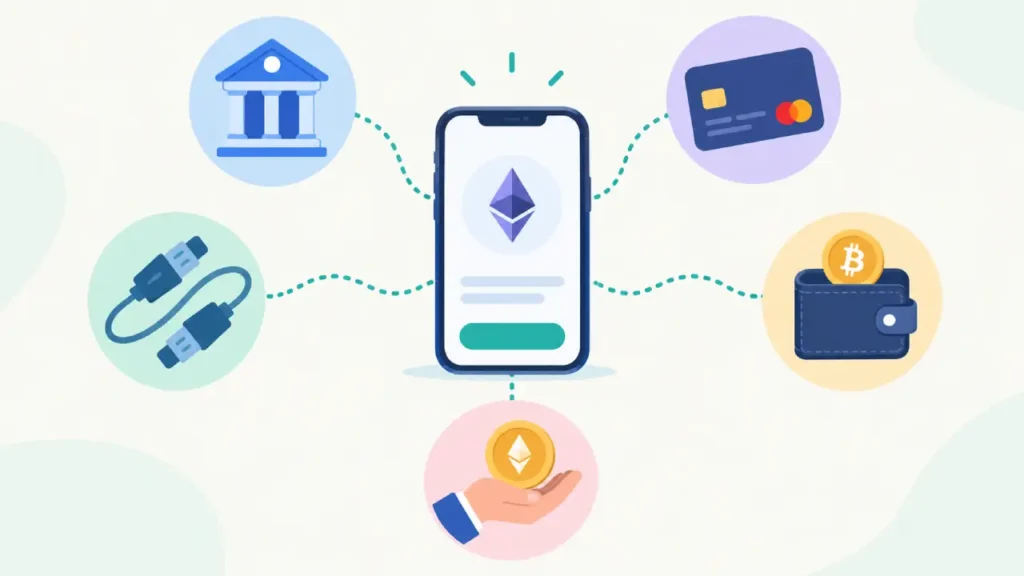
Buying Ethereum on Binance.US takes a couple of taps. Getting money into your account first is the part that trips people up. Should you link your bank, send a wire, pay with a card, or move crypto over from another wallet? Each option costs a different amount, takes a different amount of time, and has its own rules. Picking the wrong one can cost you more in fees than the trade itself.
This guide covers every way to fund a Binance.US account, in plain language, so you can choose the one that fits your budget and timeline before you buy your first ETH.
Why the Funding Method Matters More Than You Think
Binance.US charges very little to trade. On standard pairs like ETH/USD, makers pay nothing and takers pay 0.02%. With trading fees that low, the way you move money in often ends up being your biggest cost. One method is completely free. Another costs almost 4%. On a $1,000 purchase, that gap is about $40, which is more than a year of trading fees for many casual buyers.
Timing is the other thing that changes. Some methods let you trade within minutes but lock your ability to withdraw for a week. Others take a day or two to arrive but come without that hold. Once you understand these trade-offs, you’ll know which method to use.
All Funding Options Side by Side
| Funding Method | Binance.US Fee | Ready to Trade | Withdrawal Restriction | Best For |
|---|---|---|---|---|
| Bank transfer (ACH) | Free | Usually within minutes (pre-credited) | 7-day hold on the deposited value | Most beginners |
| Domestic wire | Free (your bank may charge) | 1 to 3 business days | None tied to the deposit | Larger amounts |
| Debit card | 3.99% | Instant | 7-day hold | Small, urgent buys |
| Apple Pay (linked debit card) | Card pricing applies | Instant | 7-day hold | iPhone users who value convenience |
| Crypto deposit | Free (network fee paid by sender) | After network confirmations | None once confirmed | People who already hold crypto |
| Top Up via third party | Provider’s pricing | After payment clears | Varies | Kansas and Wisconsin residents |
Before You Deposit a Single Dollar
Check That Your Account Is Verified
You need at least Basic verification before you can deposit dollars. It asks for your legal name, date of birth, Social Security Number and residential address. Advanced verification adds a photo ID and a selfie check, and it raises your bank transfer limits.
| Verification Level | Funding Options Unlocked | Bank Transfer Limits |
|---|---|---|
| Basic | ACH deposits and withdrawals, card purchases, crypto deposits | Standard daily limits |
| Advanced | Everything in Basic, plus OTC desk access | Higher limits |
Confirm Your State Allows USD Funding
Binance.US doesn’t serve every state, and in two of the states it does serve, you can’t deposit dollars at all. Residents of Kansas and Wisconsin can hold and trade crypto but can’t make USD deposits or withdrawals. Several states aren’t supported at all, including New York, Texas, Georgia, Ohio and Washington. Check the current list in the app before linking anything, because it changes from time to time.
Option One: Bank Transfer (ACH)
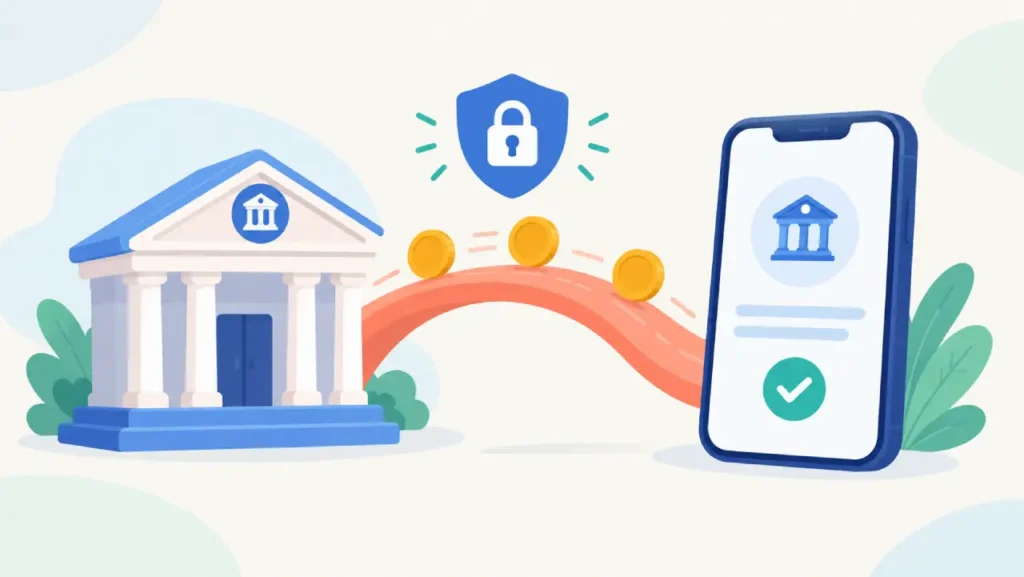
For most beginners, ACH is the best choice. It’s free both ways, it’s fast enough that you can often trade the same day, and you only need to set it up once.
Linking Your Checking Account Through Plaid
Binance.US uses Plaid to connect bank accounts securely. In the app:
- Open the Portfolio tab and tap Deposit.
- Choose Deposit Cash, then Bank Transfer (ACH).
- Tap Continue to open the Plaid window.
- Search for your bank and sign in with your online banking details.
- Choose the checking account you want to use.
Only personal checking accounts are accepted. Savings and brokerage accounts won’t link. You can connect more than one bank to the same Binance.US profile if you like.
When Plaid Can’t Find Your Bank
Smaller banks and credit unions don’t always show up in Plaid. In that case, pick the option to link with your routing and account numbers instead. Within one business day you’ll see two tiny deposits in your bank account, each under $0.99. Go back to Payment Methods in the app and enter those two amounts to confirm you own the account. The name on the bank account has to match the name on your Binance.US profile.
Making the Deposit
Once your bank is linked, go back to Portfolio, tap Deposit, then Deposit Cash. Enter an amount, check the details and confirm. In most cases Binance.US credits the money right away, so you can buy ETH before the transfer has fully settled.
Daily Limits and the 130% Rule
Two rules catch a lot of first-time depositors:
| Rule | What It Means for You |
|---|---|
| 130% balance check | Your bank balance should be at least 130% of the deposit. To deposit $1,000, have around $1,300 in checking. |
| Basic verification daily limit | $3,000 per day with a Plaid-linked account in most supported states |
| Arizona and New Mexico | Daily limit of $1,000 for Basic verification |
| 7-day hold | You can trade the funds immediately, but you can’t withdraw their value (as USD or crypto) for seven days |
| Repeated attempts | Several failed deposits in a row can get further attempts rejected |
The 130% check is there because Binance.US lends you the money up front before your bank actually sends it. If there isn’t enough in the account, the transfer bounces and you end up in trouble, which the troubleshooting section below explains.
Option Two: Domestic Wire Transfer
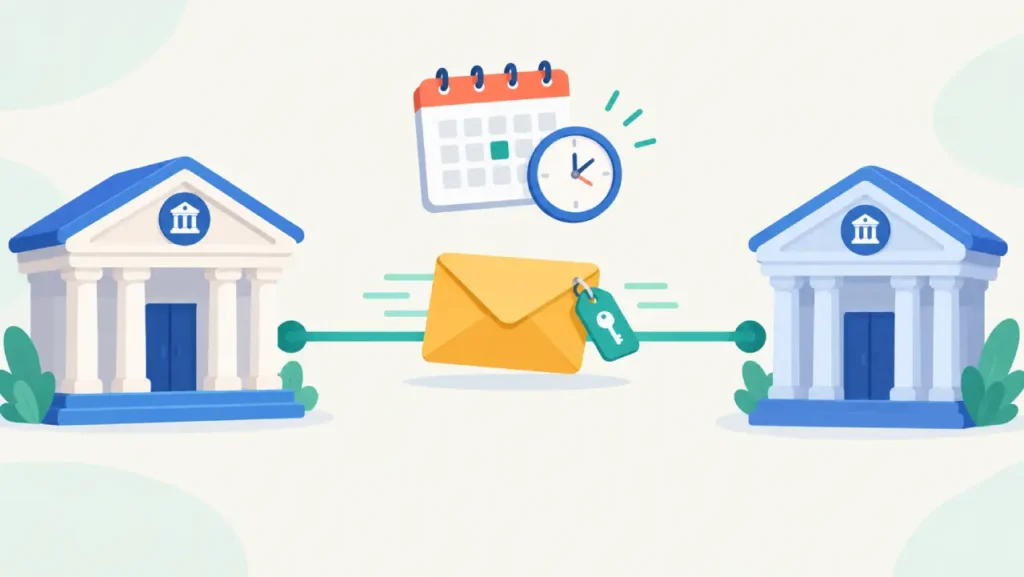
Wires cost more to send and take longer than ACH, but they make sense if you’re moving a large amount or want to avoid the ACH withdrawal hold.
Where to Find Your Wire Instructions
In the app or on the website, go to Deposit, choose Deposit Cash, then Wire Transfer. You’ll see the receiving bank details and a unique reference code for your account. Keep that screen open when you set up the wire with your bank, either at a branch or through online banking.
The Reference Code You Must Include
This is the most important part of a wire deposit. Binance.US accepts the reference code in one of two formats: the code by itself, or the code followed by a semicolon and a short description. If the code is missing or formatted any other way, the wire will be rejected and sent back to your bank, which can take days. Copy it exactly.
ACH vs Wire at a Glance
| ACH | Wire | |
|---|---|---|
| Cost to deposit | Free | Free on Binance.US, but most banks charge an outgoing wire fee |
| Cost to withdraw | Free | $25 plus any fee from your bank |
| Speed | Pre-credited, usually within minutes | 1 to 3 business days, no weekends or holidays |
| Setup effort | One-time bank link | Enter instructions for each wire |
| Beginner friendliness | Very high | Moderate |
Option Three: Debit Card and Apple Pay
A debit card is the fastest way in, but you pay for the speed. Binance.US charges 3.99% on card purchases. You can also use Apple Pay if a debit card is linked to it.
Here’s how that adds up:
| Amount | ACH Cost | Debit Card Cost |
|---|---|---|
| $100 | $0 | About $3.99 |
| $250 | $0 | About $9.98 |
| $1,000 | $0 | About $39.90 |
Credit cards are a gamble. Many issuers block crypto purchases or treat them as cash advances, which come with extra fees and interest from day one. Binance.US itself suggests trying a debit card if your credit card is declined. Also keep in mind that you can’t withdraw money back to a card, so selling later means linking a bank account anyway.
Cards work well for a small first purchase while your ACH link is still being set up. For regular buying, the fee eats into your ETH every time.
Option Four: Depositing Crypto You Already Own

If you already have ETH, USDT or USDC in another wallet or on another exchange, you can send it to Binance.US for free. The sending side pays the network fee.
Choosing the Right Network for ETH
Binance.US supports ETH deposits on several networks. The network you select on the sending side has to match the one you choose on Binance.US.
| Network | Type | Typical Gas Cost | Notes |
|---|---|---|---|
| Ethereum (ERC-20) | Main chain | Highest, depends on congestion | The most widely supported option |
| Arbitrum | Layer 2 | Low | Popular with DeFi users |
| Optimism | Layer 2 | Low | Similar trade-offs to Arbitrum |
| Base | Layer 2 | Low | Supported on Binance.US since April 2025 |
| BNB Smart Chain (BEP-20) | Separate chain | Low | Make sure your sending wallet supports it |
| Abstract | Layer 2 | Low | Newer and less widely supported |
If you’re not sure which to choose, pick whichever network both your sending wallet and Binance.US list for ETH. Layer 2 networks usually cost much less than the Ethereum main chain.
Step-by-Step Crypto Deposit
- In the Binance.US app, tap Transfer, then Deposit Crypto.
- Choose ETH (or the coin you’re sending).
- Read the network warning and tap Got it.
- Choose the network, then copy the deposit address or scan the QR code.
- Paste the address into your sending wallet, choose the same network there, and send.
- Copy the transaction ID (TxID) so you can track it on a block explorer.
Binance.US is clear about the risk: if you send an unsupported coin or use an unsupported network, the funds will be lost and can’t be recovered. The first time you use a new address, send a small test amount.
Using Stablecoins as a Stepping Stone
Some people fund their account with USDT or USDC and then trade into ETH. USDT deposits are supported on Ethereum, BNB Smart Chain, Tron, Solana, Polygon and Avalanche C-Chain. USDC deposits are supported on Ethereum, Base, BNB Smart Chain, Solana and Avalanche C-Chain. This route helps if your stablecoins already sit on a cheap network and you want to avoid Ethereum main chain gas fees.
Option Five: Top Up for Crypto-Only States
If you live in Kansas or Wisconsin, you can’t deposit dollars directly, but there’s a workaround. Binance.US’s Top Up feature uses a third-party provider, Transak, to sell you USDT with a debit or credit card. The USDT lands in your Binance.US account, and you can then trade it for ETH on the ETH/USDT pair. The provider sets its own pricing, so check the quote before paying. This option isn’t available in every state either.
From Funded Account to ETH
Once money or stablecoins are in your account, you have three ways to buy ETH. The Buy button is the easiest. Convert is instant but builds its margin into the price. Advanced Trading gives you the lowest cost through limit and market orders. If you want to keep costs down, funding with ACH and buying through Advanced Trading is usually the cheapest combination.
Troubleshooting Common Funding Problems

| Problem | Likely Cause | What to Do |
|---|---|---|
| ACH deposit rejected for insufficient funds | Bank balance below 130% of the deposit | Add money to checking or deposit a smaller amount |
| Prompt to reauthenticate your bank | Plaid connection expired or bank login changed | Tap “Reauthenticate Now” and sign in again |
| Bank account won’t link | Savings or brokerage account, or bank not on Plaid | Use a personal checking account or link manually with routing numbers |
| Wire returned to your bank | Missing or badly formatted reference code | Send it again with the exact reference code |
| Card declined | Issuer blocks crypto or credit card restrictions | Try a debit card or switch to ACH |
| Crypto deposit not showing | Still waiting for network confirmations | Look up the TxID on a block explorer and wait |
| Crypto deposit lost | Wrong network or unsupported asset | Usually unrecoverable, so always test first |
| Balance lower than expected | Earlier chargeback being settled from your USD | Check transaction history for outstanding items |
Why a Negative Balance Needs Fast Attention
Because Binance.US credits ACH deposits before your bank pays, a failed or reversed transfer can leave your account with a negative balance. Binance.US warns that it may start selling your assets to cover it in as little as 48 hours, and unpaid balances can be sent to a collections agency. If you see a negative balance notice, tap Settle Balance right away and pay it through one of your payment methods. Keeping enough money in your checking account prevents this in the first place.
Frequently Asked Questions
What Is the Cheapest Way to Fund Binance.US?
An ACH bank transfer. It’s free to deposit and free to withdraw. Crypto deposits are also free on the Binance.US side, but you’ll pay a network fee when sending.
Can I Buy ETH Before My Bank Transfer Clears?
Yes. ACH deposits are usually pre-credited, so you can buy ETH within minutes. You just can’t withdraw that value for seven days.
Can I Link a Savings Account?
No. Binance.US only accepts personal checking accounts for ACH.
How Long Does a Wire Take to Arrive?
Usually one to three business days. Wires sent on weekends or bank holidays won’t be processed until the next business day.
Is Paying by Debit Card Worth the Fee?
For a small first purchase it can be. For anything regular or large, the 3.99% fee adds up quickly, and ACH will save you money.
What Happens If I Send ETH on the Wrong Network?
If the network isn’t supported for that asset on Binance.US, the funds are generally lost. Always match networks on both sides and send a small test first.
Wrapping Up
For most beginners the plan is simple: verify your account, link a checking account through Plaid, keep a cushion in your bank, and fund with free ACH transfers. Use a wire when you’re moving a large amount, a debit card only when speed matters more than cost, and crypto deposits when you already hold coins elsewhere. Once your account is funded, buying ETH is the easy part.
This article is for educational purposes only and is not financial advice. Cryptocurrency prices are volatile, and fees, limits and state availability can change.